





IMEI number: what it is, how to find it on iPhone or Android, and how it differs from ICCID and EID
An IMEI number identifies a phone, not a SIM. Google’s Pixel Help puts it as a rule: “To use a mobile network, a phone needs an IMEI (International Mobile Equipment Identity) number.” DoT’s CEIR forms ask for the 15-digit IMEI. Apple and Google show it in Settings and on the box or packaging, and a Pixel that takes both eSIM and SIM has two.

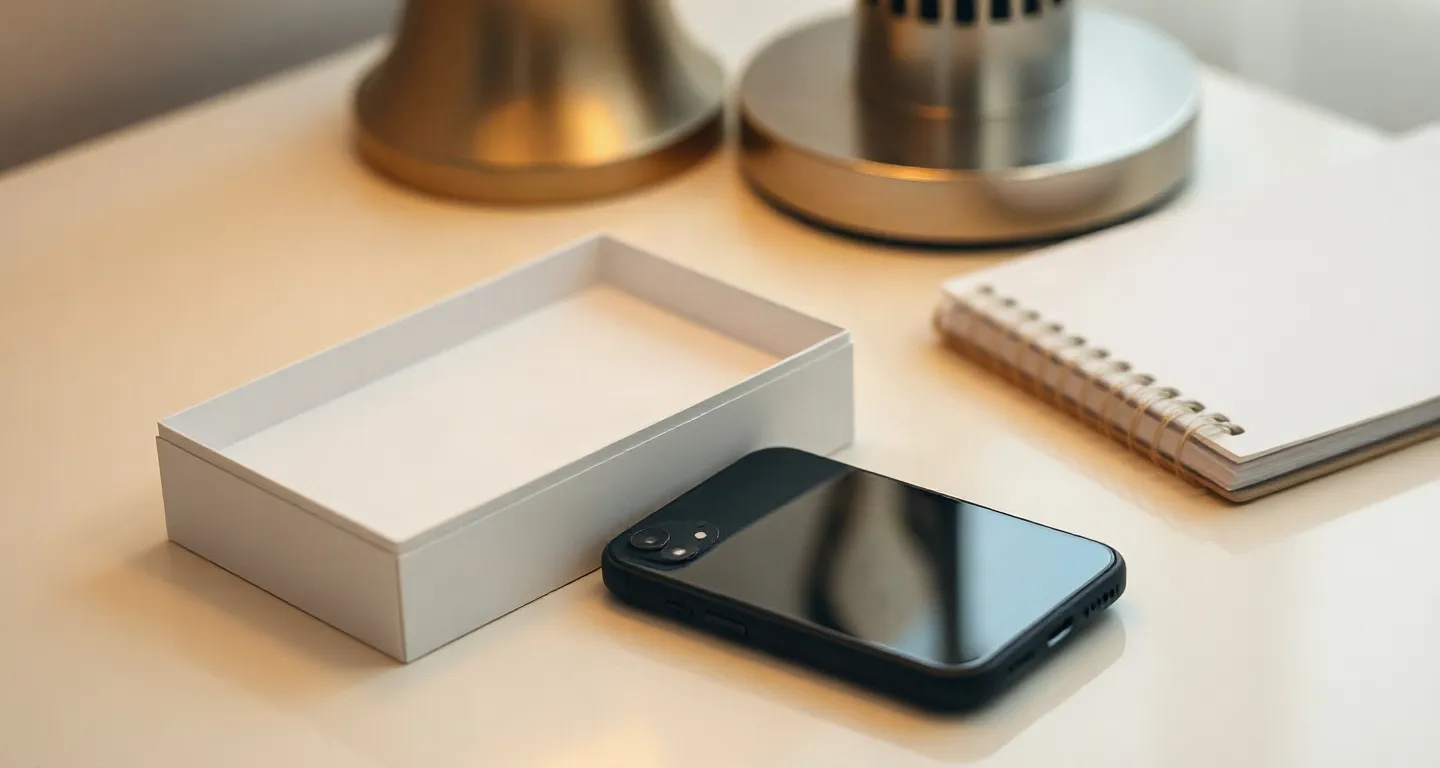
What an IMEI number is
The IMEI full form is International Mobile Equipment Identity, and the number names one handset. DoT’s CEIR form for a lost phone has two fields, IMEI 1 and IMEI 2. Google explains the second one: “Pixel phones that can use both eSIM and SIM cards have two IMEI numbers, one for each kind of SIM.”
Google adds that “IMEI 1 is usually paired with the first SIM used to set up your phone” and says to confirm with your mobile operator. For the IMEI number on a SIM card, look at the phone instead. The places Apple and Google list include Settings, the box or packaging, their online device lists and, on Pixels and older iPhones, the SIM tray. No source we read breaks the 15 digits down, so we give no IMEI number format.
Find the IMEI on an iPhone, even one that won’t open
Open Settings, tap General, then tap About. Apple Support India 108037 (published 25 May 2026) says: “You may need to scroll down to find the EID, IMEI/MEID and ICCID.” Touch and hold the number to copy it.
If the phone will not open, Apple lists other places. Its list of models with the IMEI/MEID on the SIM tray ends with the iPhone 13 family; the iPhone 14 and later are not on it. On the iPhone 6, 6 Plus, SE (1st generation), 5s, 5c and 5 the number is on the back. Before setup, tap the Info button in the bottom right-hand corner of the screen. Apple also names the Finder (click Phone Number), the Devices section of account.apple.com and the barcode on the original packaging.

Find the IMEI on Android: IMEI 1 and IMEI 2
On a Pixel, Google (Pixel Help 10402530, no date on the page) lists four places: your phone’s box, the SIM card tray, Settings > About phone > “IMEI”, and Google Find My Device. A second number sits at “IMEI (SIM slot 2)” under About phone. To give you an eSIM for Dual SIM Dual Standby, Google says, “your operator may ask for your phone’s IMEI 2”.
We read no IMEI page from Samsung India or other Android makers, so we print no path for them. The eSIM phone list shows which phones take an eSIM, and the dual SIM guide covers two lines on one phone. Whether a phone is locked to one network is a separate check, in the carrier lock guide.
*#06#: who prints the dialler code
Jio,  Airtel and Vi print the dialler code *#06#; the Apple and Google pages we cite do not. Jio’s eSIM FAQ says: “You can dial *#06# in your device to get details of your EID and IMEI information.” Airtel and Vi print the code for fetching the EID.
Apple 108037 and Pixel Help 10402530 point to Settings, the box, the tray and the packaging instead, so treat *#06# as those operators’ shortcut.
IMEI vs ICCID vs EID: which number for what
The IMEI names the phone, the ICCID names one SIM or eSIM profile, and the EID names the eSIM chip. Support asks for the one that matches the question. Our checkout asks for none of the three: its one required field is your e-mail address.
| Number | Names | Length as the sources state it | Where it sits | Who asks for it |
|---|---|---|---|---|
| IMEI | the phone | 15 digits (CEIR forms); a Pixel with eSIM and SIM has two | iPhone: Settings, General, About. Pixel: About phone | CEIR for a lost phone; Jio’s SMS route for moving a number to eSIM; an operator giving you an eSIM for Dual SIM (Google: IMEI 2) |
| ICCID | one SIM or one eSIM profile: “Unique number to identify a Profile in an eUICC” (GSMA SGP.22) | guides print 18 to 22 digits, so copy the whole number | iPhone: the same About screen; our order page, under Manual setup | our support, for a ticket about one eSIM line (the eSIM’s ICCID, not your Indian SIM’s) |
| EID | the eSIM chip: “not related to service subscriptions” (GSMA SGP.29) | 32 digits (GSMA SGP.29) | iPhone: the same About screen. Pixel: About phone, then SIM status | Jio, Airtel and Vi, when you move your Indian number to an eSIM |
Jio’s eSIM page shows how two of the numbers combine: “Type GETESIM<32-digit EID><15-digit IMEI> and send it to 199”. The longer pages are the ICCID guide and the EID guide; the glossary and the help centre cover the other terms and checks.
Lost or stolen phone abroad: note the IMEI before you fly
Write the IMEI down before you travel, somewhere that does not depend on the phone. Apple’s packaging barcode, the Devices list on account.apple.com and Google Find My Device show it without the handset in your hand.
DoT’s CEIR user manual says: “The reported mobile device will be blocked across all the service provider networks.” A lost or stolen phone is reported on DoT’s CEIR site.
FAQ
What is an IMEI number?
It is the number that identifies a phone. Google’s Pixel Help says a phone needs an IMEI (International Mobile Equipment Identity) number to use a mobile network. DoT’s CEIR forms ask for the 15-digit IMEI.
How do I find my IMEI number?
On an iPhone, open Settings, tap General, tap About and scroll down. On a Pixel, tap About phone and find IMEI. Both makers also list the box or packaging and, on Pixels and older iPhones, the SIM tray.
What is the full form of IMEI?
IMEI stands for International Mobile Equipment Identity. Google’s Pixel Help and the GSMA’s SGP.22 specification both spell it out that way.
Is the IMEI number on the SIM card?
No. The IMEI identifies the phone, not the SIM. The places Apple and Google list for it include Settings, the box or packaging, their online device lists and, on Pixels and older iPhones, the SIM tray.
What is the difference between IMEI and ICCID?
The IMEI names the phone. The ICCID names one SIM or one eSIM profile, so your Indian SIM’s ICCID is a different number from your travel eSIM’s and does not help us find its profile.
Does installing a travel eSIM change my IMEI?
No page we read says it does. Google says a Pixel with both eSIM and SIM already has two IMEI numbers, one for each kind of SIM. Our checkout asks for no IMEI and no phone model.
Sources checked: Apple Support India 108037: Find the serial number, EID or IMEI, published 25 May 2026 · Google Pixel Help 10402530: Find your IMEI and other Pixel phone ID numbers (no date on the page) · Department of Telecommunications, CEIR: block request form and IMEI Verification form · Department of Telecommunications: CEIR user manual v03 · GSMA SGP.22 v2.5, RSP Technical Specification, 26 May 2023 · GSMA SGP.29 v1.1, EID Definition and Assignment Process, 22 Mar 2024 · Jio: switch to eSIM · Airtel: eSIM · Vi: eSIM activation. Last checked 20 Oct 2026.
Not sure how much data to take? Work it out from your trip length and how you use your phone.