





SIM not detected, Invalid SIM or SIM not supported: what to check on iPhone and Android
For “No SIM” or “SIM not detected”, first check that the line is switched on and a physical card is seated in its tray. For “Invalid SIM”, Apple’s first step is “Make sure you have an active plan with your wireless network provider.”

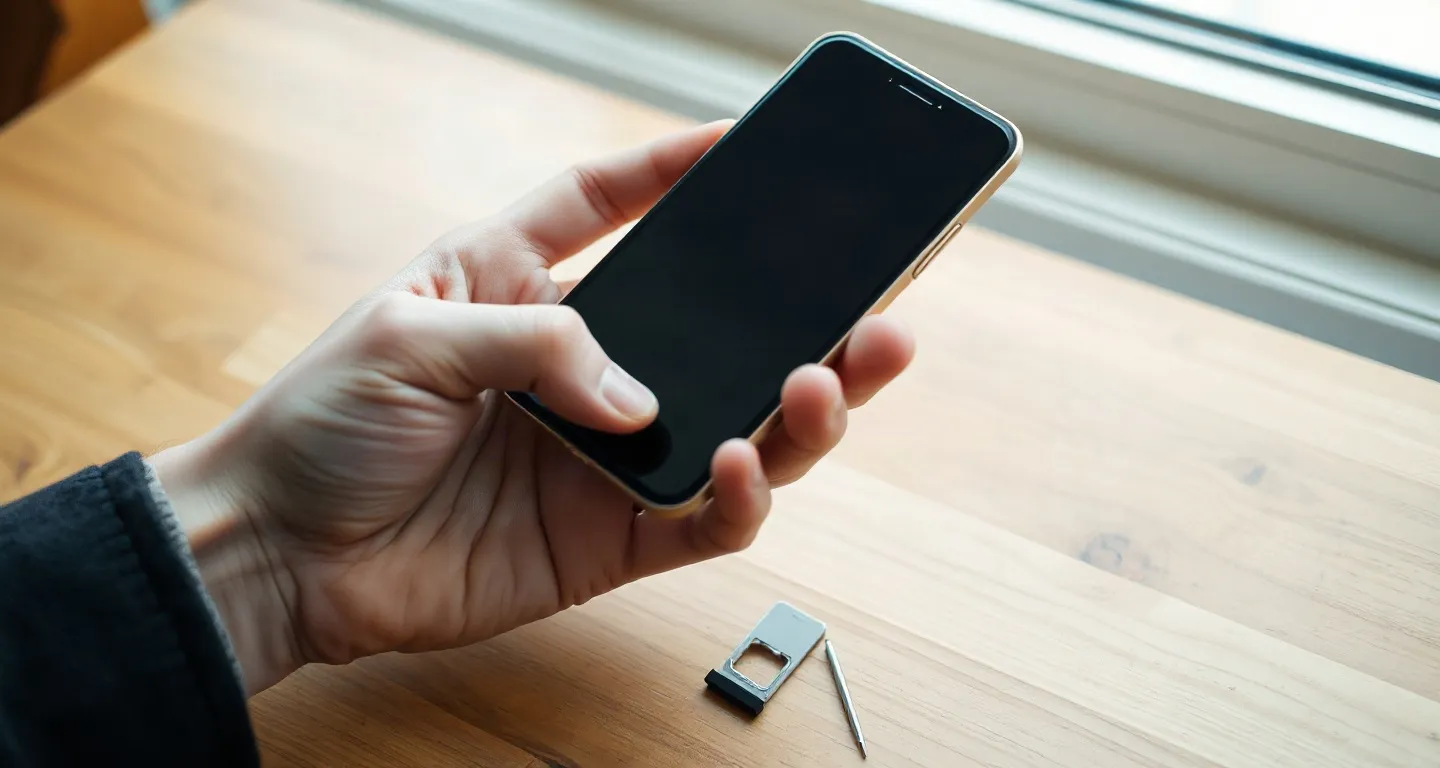
For “No SIM” and “SIM not detected”, the first checks are the line switch and the card. For “Invalid SIM”, Apple starts with an active plan; for “SIM not supported”, check the carrier lock; for “SIM not provisioned”, only your operator can help. Never delete a travel eSIM to clear any of them.
| On screen | First check | Section |
|---|---|---|
| No SIM, No SIM Card detected | Line on, card seated | No SIM |
| No SIM Card installed (iPhone) | Active plan, as for Invalid SIM | Invalid SIM |
| Invalid SIM | Active plan, restart, settings update | Invalid SIM |
| SIM not supported | Carrier lock | Not supported |
| SIM not provisioned, SIM failure | Your operator | Not provisioned |
A deleted profile usually cannot be installed again from the same code. For “Mobile network not available” or “Emergency calls only”, use mobile data not working; for “PDP authentication failure”, the PDP page; abroad, the no-signal checklist.
No SIM or SIM not detected: is the line on and the card seated?
Google Pixel Help (read 20 Oct 2026) says an operator name in grey with the message “No SIM” means “you either don’t have a SIM or your SIM is inactive”. If it is inactive, turn on “Use SIM” under Settings, Network and Internet, SIMs, then your operator. On an iPhone, Apple gives “No SIM Card installed” the same steps as Invalid SIM, below.
Samsung India (updated 27 Aug 2026): if a Galaxy cannot detect the card, “the issue may be related to temporary software errors, mobile network settings, SIM card damage, or incorrect SIM card insertion.” Its status check is Settings, About phone, Status information, SIM card status, Network, where the carrier name should appear. Some carriers’ SIM protection services can “prevent SIM cards from being activated on new devices”. The same page adds: “Only Nano-SIM cards are supported on Galaxy devices that use physical SIM cards.”
Samsung India’s page for the alerts “No SIM Card inserted” and “No SIM Card detected” (updated 29 Sep 2026) gives three checks in order. First, restart: hold Volume down and Power for at least 7 seconds. Second, turn the phone off, remove the tray, look for “scratches or stains”, clean the card and tray with “a clean, dry cloth” and reinsert. Third, “Reset mobile network settings”, which “cannot be undone”. Samsung’s pages do not mention eSIMs, so we make no claim about a reset on a travel eSIM; write to us first.
If a second phone cannot read the card either, Samsung calls it “most likely damaged”.
With two lines, check which line the message names. On a Samsung, you choose the mobile-data SIM under “Settings > Connections> SIM card manager> Mobile data > Choose SIM 1/ SIM 2” (Samsung India, updated 11 Sep 2024). The dual SIM guide covers the data line.

Invalid SIM: restart, check for a provider settings update, try another SIM
Apple’s page for “Invalid SIM or No SIM Card installed” (published 22 Dec 2025) lists, in order: active plan, carrier-lock check, restart, provider settings update. Then, for an eSIM: “contact your network provider”. For a physical SIM: reseat it, then try another SIM; Apple adds “You may need to replace your SIM card.”
The update check is Settings, General, About: “If an update is available, you’ll see a prompt to select OK or Update.” Apple says the SIM tray must close “completely”, and a tray from another model “may not fit correctly”. The Google and Samsung India pages we read do not print “Invalid SIM”.
SIM not supported: check the carrier lock first
Of the maker pages we read, only Google’s prints “SIM card isn’t supported”, for one case: a new SIM that fails after the old operator removed the SIM-lock. On an iPhone, “No SIM restrictions” next to Carrier Lock in Settings, General, About means it is unlocked; the carrier lock guide has the full check.
SIM not provisioned and other messages only your operator can clear
The Apple, Google and Samsung pages we read do not print “SIM not provisioned” or “SIM failure”. Google’s line covers any SIM error: “If you have an error message about your SIM, contact your operator.” Apple’s eSIM step is “If your device has an eSIM, contact your network provider.”
A card can be reseated or tested in another phone; an eSIM cannot. We sell travel eSIMs, so we have an interest here. For our eSIMs, the provider is us: write to us with your order e-mail, your phone model and a screenshot of the message before you buy another plan. A deleted profile usually cannot be installed again from the same code, and we cannot promise a replacement.
Full refund within 30 days of purchase, as long as the eSIM has not connected to any network. If the eSIM doesn’t work and it isn’t your phone’s fault, we refund the payment whether or not it was installed.
Before a trip: an Indian SIM that shows No SIM
Fix an Indian SIM that shows No SIM before you fly: no plan of ours carries your Indian number, so a travel eSIM cannot receive the OTPs sent to it. The FAQ of the OTP guide answers the damaged-SIM question.
FAQ
Why does my phone say SIM not detected?
Samsung India names temporary software errors, mobile network settings, SIM card damage or incorrect insertion. A Pixel shows “No SIM” under a grey operator name when the SIM is missing or inactive; turn on “Use SIM”. On an iPhone, Apple starts with an active plan.
What does Invalid SIM mean on an iPhone?
Apple prints no definition. Its steps: an active plan, the lock check, a restart, a provider settings update. Then an eSIM goes to your network provider; a physical SIM is reseated, then tested with another SIM.
Why does my phone say SIM not supported?
Of the maker pages we read, only Google’s prints “SIM card isn’t supported”, for one case: a new SIM that fails after the old operator removed the SIM-lock. On an iPhone, check for “No SIM restrictions” next to Carrier Lock. We read no other case.
What does SIM not provisioned mean?
No Apple, Google or Samsung page we read prints it, so we name no cause. Google says to contact your operator about any SIM error. For our travel eSIM, write to us; do not delete it.
Can a travel eSIM show No SIM?
Google ties a grey operator name with “No SIM” to a missing or inactive SIM, so check that the travel eSIM line is on. For an eSIM, Apple says to contact the network provider, which for our eSIM is us. Do not delete it.
Sources checked: Checked on 21 Oct 2026 (IST); Pixel Help pages read on 20 Oct 2026 · Apple Support India 108914: Invalid SIM or No SIM, published 22 Dec 2025 · Google Pixel Help 14116080: Fix mobile connectivity issues, undated · Google Pixel Help 7107188: Use your Pixel with any operator, undated · Samsung India: “No SIM Card Detected” error, last update 29 Sep 2026 · Samsung India: SIM card not detected, last update 27 Aug 2026 · Samsung India: Troubleshoot mobile data issues, last update 11 Sep 2024.
Not sure how much data to take? Work it out from your trip length and how you use your phone.